Lumari Crest is an independent mobile app comparison platform. We may earn a commission when you click through.
Roblox skin apps: which ones are actually useful?
Compare 10 Roblox companion apps by platform, ratings, creator tools and catalog depth before wasting storage on clickbait.
Quick picks before you download
Best starting point: Roblox itself, because third-party apps do not create free Robux or bypass Roblox rules.
Best iPad-rated pick: Clothes Skin For Roblox, with a 5.0 rating from one App Store rating.
Best catalog-style Android pick: Clothes and Skins for Roblox, which lists thousands of looks and item IDs.
Best-known creator app here: Skinator - Skins for Roblox, rated 4.5 from two App Store ratings.
The important bit: none of the supplied listings proves that an app grants free Robux. Treat every “free Robux generator” claim as clickbait until Roblox itself confirms it.
What to check before installing any skin app
Most players get one thing wrong: a companion app is usually a design tool or catalog, not a Robux wallet. The listings here show the split clearly. Some focus on editing outfits, while others mainly display avatar ideas, accessories and item IDs.
Start with the platform. The App Store listings for Clothes Skin For Roblox, Skinator and Clothes for Roblox Skins Maker say they are free with in-app purchases and designed for iPad. The Android listings do not provide pricing in the supplied data, so “free” should mean free to install, not automatically free to use.
- Check whether the app is on iOS, Android or both.
- Look for an explicit unofficial-app notice.
- Ignore promises of instant Robux, hacked accounts or free premium items.
- Check ratings alongside rating counts. A 5.0 from one rating tells you far less than Roblox’s 4.4 from 21,000 ratings.
- Never enter your Roblox password into a skin maker or catalog app.
Another detail people miss: an app can show an item ID without giving you the item. You still need to use Roblox’s own avatar and shop systems, and some items may require Robux or may no longer be available.
Common mistakes that waste time
Downloading five near-identical apps. The list contains several titles built around “Clothes” and “Skins for Roblox.” Their names alone do not prove different features.
Confusing outfit inspiration with avatar ownership. A preview image is not a free item. Catalog apps can help you find a look, but they cannot promise that the outfit becomes yours.
Trusting tiny rating samples. Skinator’s 4.5 rating comes from two ratings, while Roblox has 21,000 App Store ratings at 4.4. That does not make Skinator bad; it makes the evidence thinner.
Sharing account details. A legitimate companion app should not need your Roblox login to show clothing ideas. If it asks for your password, skip it.
Clothes Skin
The iPad listing is refreshingly simple: avatar editing and customization, free to install with in-app purchases, and a 5.0 rating from one App Store rating. That score looks clean, but the sample is far too small to call it proven. I’d use this as a low-risk design sandbox, not as a source of free Robux or guaranteed clothing. Best for iPad players who want to sketch avatar looks and are comfortable checking what sits behind the in-app purchase label.

Skinator
Skinator gives the same basic pitch but has a little more rating evidence: 4.5 from two App Store ratings. It is listed as a skin maker and clothes editor, with free installation and in-app purchases, so the free tier may not include every editing tool. Compared with Clothes Skin For Roblox, the rating is slightly lower but still positive. Pick it if you want a creator-focused app on iPad and care more about editing than browsing a huge catalog.

Clothes Skins
The 3.0 App Store rating from two ratings is the warning sign here. Clothes Skins for Roblox offers a boy-and-girl maker for pants and shirts, and it is free with in-app purchases, but the limited feedback is weaker than the 4.5 and 5.0 alternatives. I’d only test it if you specifically want a simple shirt-and-pants editor and do not mind a rougher bet. Skip it for a polished first download.

The iPad group is useful for one narrow job: experimenting with outfit ideas. The ratings are too small to prove long-term quality, and the in-app purchase labels mean you should test the free workflow before spending anything. Android users get a different kind of tool: larger catalogs and item discovery.
Android catalogues: more browsing, more caution
Android listings in this batch lean toward outfit libraries, item IDs and avatar inspiration rather than pure editing. That can be more useful when you already know the style you want, but it also makes exaggerated “free items” language easier to misunderstand.
Clothes and Skins
This is the most feature-rich Android description in the batch: thousands of avatar looks, 30 categories, one-tap item-ID copying and RBX calculators. The listing says the catalog is pulled live from the Roblox avatar shop and sorted by favourites, which is more useful than a static gallery if the data stays current. The limitation is obvious: catalog access is not the same as free ownership. Best for Android players who want to browse shirts, pants, hair, faces and accessories before opening Roblox.

Roblox Skin & Clothes
Roblox Skin & Clothes focuses on designing unusual outfits, including shirts, skirts, shorts and jackets. Its listing explicitly says it is unofficial and not affiliated with Roblox Corporation, which is a useful honesty check rather than a flaw. The description also says it helps players discover free items, but that wording should not be read as a Robux promise. Best for Android users who want a fan-made outfit studio and understand that Roblox remains the place where account items are managed.

Between these two, I’d choose Clothes and Skins for Roblox for research because its 30-category catalog and item-ID copying are concrete features. Roblox Skin & Clothes makes more sense as a creative playground. Neither should receive your login password, and neither proves that every listed item is free.
Simple decision guide: install, test, or skip
Use the official Roblox app first if you need to buy, equip or manage real avatar items. It is free with in-app purchases and has 21,000 App Store ratings at 4.4, giving it far stronger public feedback than the tiny samples attached to most companion apps.
Choose an iPad editor if your goal is designing outfit ideas. Clothes Skin For Roblox has the highest listed rating, while Skinator has the stronger creator-focused label and a 4.5 rating from two users.
Choose an Android catalogue if you want categories, item IDs and browsing. Clothes and Skins for Roblox is the clear data-rich pick from the supplied descriptions.
Skip any app promising free Robux. None of these listings proves that claim, and a skin app cannot safely bypass Roblox’s own economy. Also skip apps asking for your Roblox password, even if the screenshots look clean.
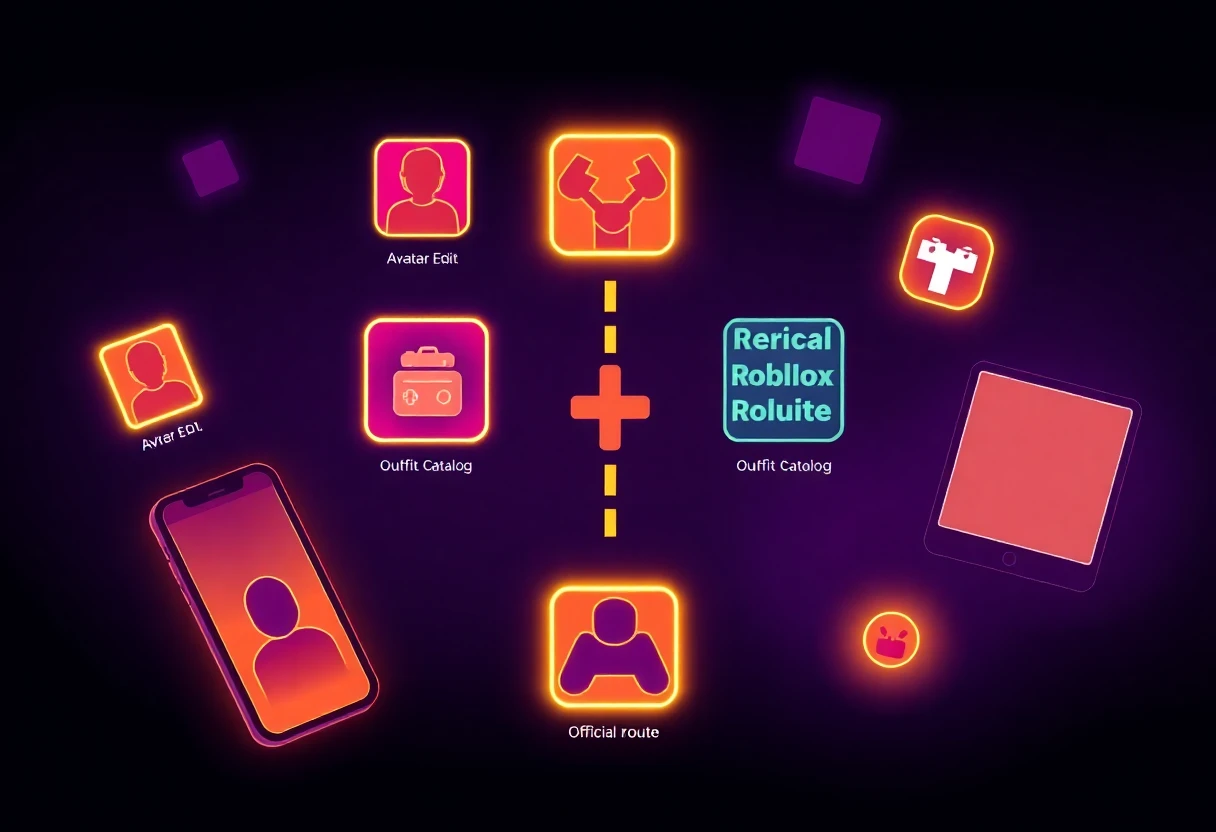
My short verdict: start with the official Roblox app for real account actions, then add Clothes and Skins for Roblox on Android if you need catalogue depth. On iPad, Skinator is the safer creator pick than the 3.0-rated Clothes Skins for Roblox, while the 5.0-rated Clothes Skin For Roblox is worth a cautious free test because its single-rating sample proves very little.
Robux generators are an instant skip. For a wider comparison of skins, codes and the limits these apps do not advertise, read Roblox Companion Apps Tested: Skins, Codes and Real Limits.


